
The 6 Best Website Builders for Portfolios in 2026
Creating a digital portfolio is essential for any creative, designer, photographer, or freelancer who wants to stand out in today’s digital environment.
It not only showcases a selection of your work and projects but also promotes your personal brand, making it easier for potential clients to find you.
For this reason, platforms such as Wix, Squarespace, Emergent, and Adobe Portfolio make it easy to build a portfolio website without technical knowledge or significant investment.
In this guide, we analyze the best website builders for portfolios, from specialized platforms to all-in-one website builders, offering great flexibility for designing digital portfolios.
🥇 What is the Best Website Builder for Portfolios?
This guide covers everything you need to choose the best portfolio website builder. If you don’t have time to read it all, here is a summary of our main recommendations:
- Wix: The best website builder to create digital portfolios overall, both for beginners and experienced designers.
- Squarespace: Stands out for its portfolio website design templates and blogging tools.
- Emergent: AI-powered website builder for portfolios using prompts.
- Behance: Portfolio platform with a large creative community.
1. Wix

Wix is one of the most versatile website builders for portfolios, offering an all-in-one platform with drag-and-drop tools and AI features that will help you showcase your best work professionally.
It also features a gallery element with a variety of designs, tailored to the needs of any creative professional who wants to showcase their work online. For these reasons, we recommend Wix for both beginners and experienced designers.
In addition to being a relatively affordable platform, it offers 24/7 technical support, web hosting, an SSL certificate, and portfolio and resume website templates with pre-built sections to get you started.
It also includes native and third-party integrations to expand your portfolio’s functionality and meet your needs.
Key features
- Intuitive editor with drag-and-drop functionality, suitable for beginners.
- Pre-designed templates and sections for digital portfolios.
- AI generator for creative digital portfolio designs.
- Native tools include contact forms, online scheduling software, marketing tools, and payment gateways.
- Sell digital products, accept commissions, and charge for your services.
- Responsive web design, adapted to desktop, tablet, and mobile.
Wix pricing
The Wix Light plan (which includes web hosting and 24/7 customer support) starts at just $17 per month and allows you to connect your custom domain for a more professional online portfolio.
If you need more space to upload images, videos, audio, or documents to your Wix site, you can upgrade to the Core or Business plans, which offer up to 100 GB of storage space. For more information, you can check out our Wix pricing guide.
Additionally, Wix offers a 50% discount on Premium plans when you subscribe to an annual plan, with a free domain for the first year on domain extensions like .com, .net, or .org.
- Recommended for the creation of all types of digital portfolios.
- Pricing: Subscription from $17/month (annual payment).
- Learn more: guide to creating a website on Wix.
2. Squarespace
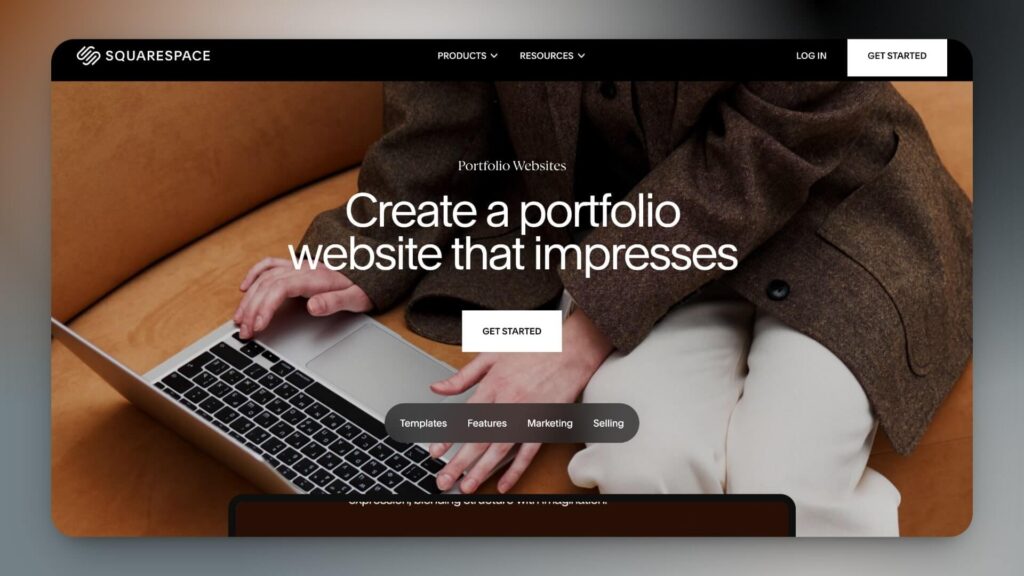
Squarespace includes artificial intelligence tools (Blueprint AI) in its paid plans to help you design your portfolio in a visually professional way.
In this regard, Squarespace’s AI assistant lets you create a portfolio in minutes, suggesting colors and fonts that match your style based on the keywords you enter. This is an advantage if you’re starting and can’t afford to hire a web designer.
Additionally, it offers portfolio website design templates that let you add essential pages, such as services, about, contact, and even your resume.
Finally, throughout the entire process, you can see a real-time preview of your portfolio design as you work and track your progress.
Key features
- AI-powered tools (Blueprint AI).
- Creative-oriented design: optimized templates for displaying projects, photos, and visual works.
- Customized style suggestions for color palettes and fonts.
- Live preview: view your portfolio as you build it and follow the progress in real time.
- Portfolio website design ideas and templates to start with.
- Portfolio pages to show your projects, photographs, or illustrations in different exclusive designs.
- Drag-and-drop web editing tools.
Squarespace pricing
Squarespace’s premium plans start with the Personal plan (from $11 per month), which is more than enough to create digital portfolios. Additionally, if you pay upfront annually, you save up to 29% on your subscription and won’t incur transaction fees on your bills.
- Recommended for creative portfolio designs (illustrations, architecture, photography, crafts, etc.)
- Price: Subscription starting at $11/month (billed annually).
- Learn more: Guide to creating a website with AI on Squarespace.
3. Emergent
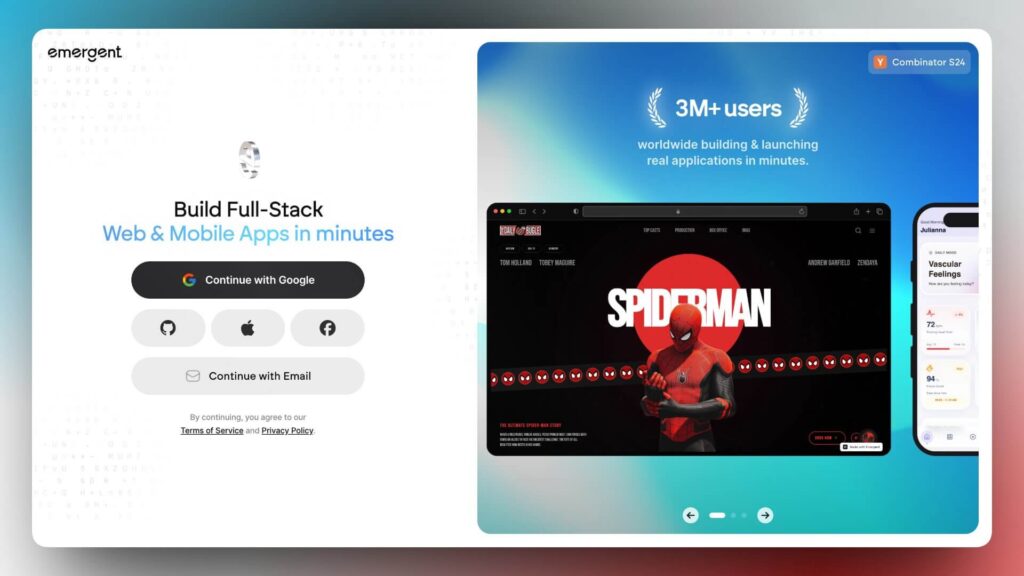
Emergent is the best website builder for portfolios, helping creators, designers, and professionals build custom portfolio websites with AI prompts. Instead of relying solely on static templates, Emergent generates modern portfolio layouts, project showcases, and interactive sections tailored to your style, profession, and branding preferences.
Emergent’s AI workflow allows users to create portfolio websites in minutes while also supporting advanced features, including forms, dynamic pages, workflows, and custom integrations.
It is especially useful for creators who want visually polished portfolios with greater flexibility than traditional drag-and-drop builders offer.
Key Features
- AI-powered portfolio website generation using natural language prompts.
- Custom project showcase pages for design, photography, architecture, and creative work.
- Responsive portfolio layouts optimized for desktop and mobile devices.
- Live preview and real-time editing through follow-up prompts.
- Full-stack functionality with frontend and backend support.
- GitHub integration for exporting and scaling projects.
- Instant deployment directly from the browser.
- Portfolio templates and branded layouts are generated dynamically.
Emergent Pricing
Emergent offers a free plan for getting started. Paid plans start at $20/month with additional credits, advanced AI capabilities, and higher build limits for larger projects and professional workflows.
Recommended for: Designers, photographers, developers, creators, freelancers, agencies, and professionals looking for the best website builder for portfolios with AI-powered customization and full creative flexibility.
4. Behance
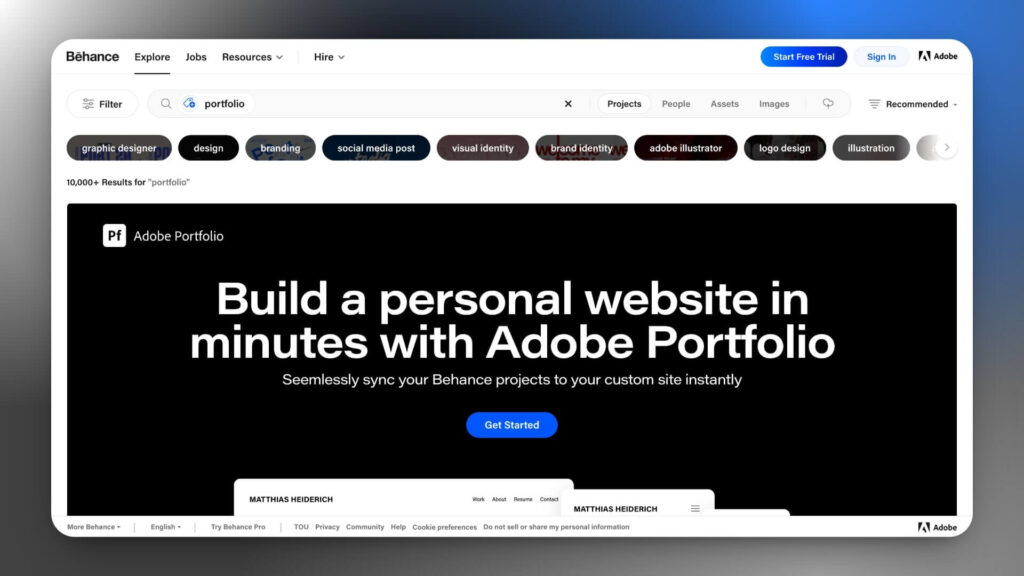
Behance is positioned as both a portfolio platform and a social network, allowing freelancers, designers, illustrators, photographers, and other creatives to showcase their work to a wide audience without having to create their own website.
With millions of active users, this Adobe platform serves as a global showcase where you can organize your projects on your profile, receive feedback from the community, and connect with professional opportunities.
Although Behance is mainly a social network, it can also serve as a secondary account to showcase work and projects if you’re just starting out or are a student.
It is worth noting that many agencies and clients actively use Behance to find talent, making it an essential tool for increasing your visibility and finding professional collaborations.
Key features
- Custom portfolio to showcase your illustrations, videos, and projects.
- Integration with Adobe Creative Cloud to publish directly from your applications.
- An active global community to receive feedback and find inspiration.
- Built-in job search with job listings for creatives.
- Detailed analytics on views and engagement for your projects.
Pricing
You can sign up for Behance, publish projects, and offer services as a freelancer for free. However, to get the most out of the platform, you’ll need to subscribe to Behance PRO.
Behance Pro users have access to advanced profile reports, 0% platform commissions on all transactions, and access to Adobe Portfolio, among other features.
5. Clippings.me
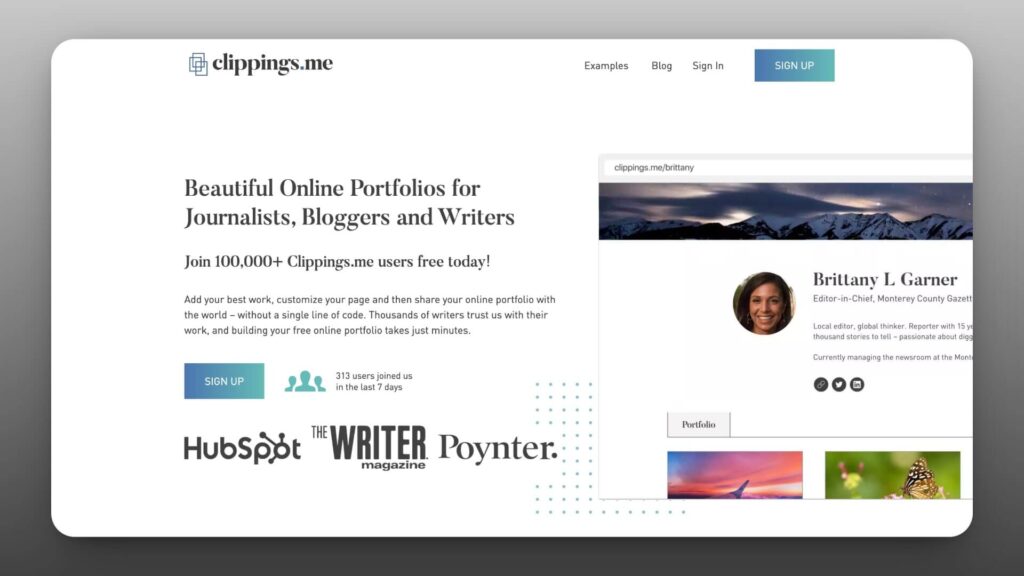
Clippings.me is a portfolio creation platform for journalists, bloggers, and writers to showcase their best articles in a professional, hassle-free way.
For example, if you’re a freelance journalist, you can gather all your articles in one place, upload PDFs of your publications, add links to already published articles, and supplement with multimedia content.
In our tests, we found that the Clippings.me interface is easy to use, and you don’t need to be a designer to create a portfolio.
Key features
- Multiple format uploads: PDFs, web links, and multimedia content in one place.
- Connect your Twitter account and automatically import your biography and avatar.
- Embed YouTube, Vimeo, or SoundCloud files in your digital portfolio
- Clean, professional design that focuses on your content.
- Quick and easy configuration, no technical knowledge required.
- Customizable portfolio with your domain name and personal branding.
- Ideal for journalists and freelance writers who need to show published clips.
Pricing
Clippings.me is a free service that creates a portfolio on the domain clipping.me. However, you can upgrade to Clippings.me Premium for just $9.99 per month to get a custom domain, more storage, and customization options.
6. Journo Portfolio
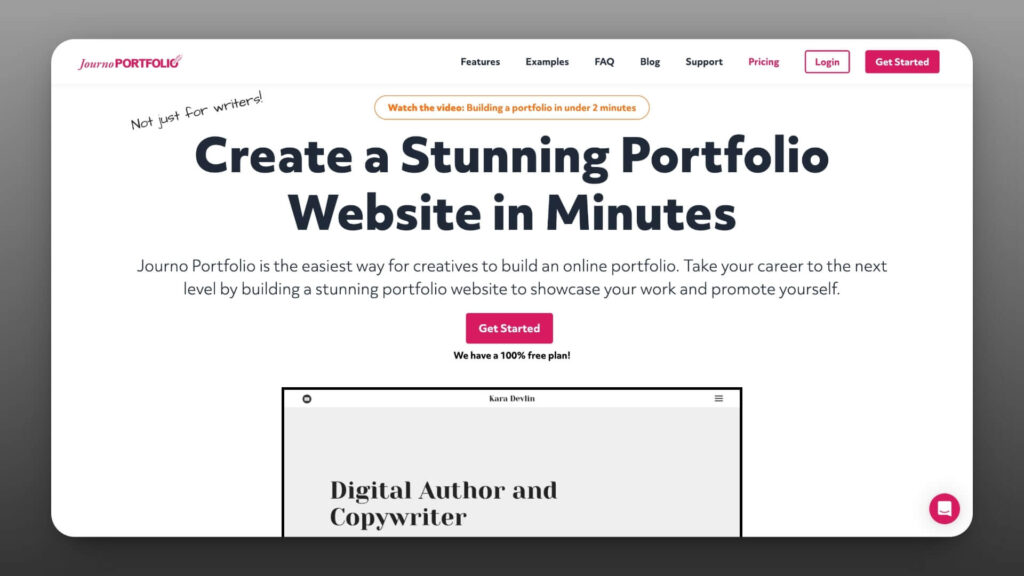
Journo Portfolio is a relatively new platform for creating digital portfolios, launched in 2012, aimed at journalists and freelance writers looking to showcase their articles in a visually appealing format.
On the other hand, it includes multiple templates, allows you to upload links, PDFs, or images, and lets you add your resume and links to your social networks.
Key features
- Templates designed for journalists and writers.
- It allows you to upload content in various formats: links, PDFs, and images.
- Option to include your resume directly in the portfolio.
- Restrict access to your portfolio or individual pages with a password or secure link.
- Integration with social networks to expand your digital presence.
- Visually appealing format, optimized for displaying articles and written work.
Prices: You can start for free with a subdomain (journoportfolio.com) or pay a monthly fee of $ 6 to connect your own custom domain.
Choosing The Best Website Builder for Portfolio Sites
We have prepared a list of features to consider when choosing a platform for creating your digital portfolio.
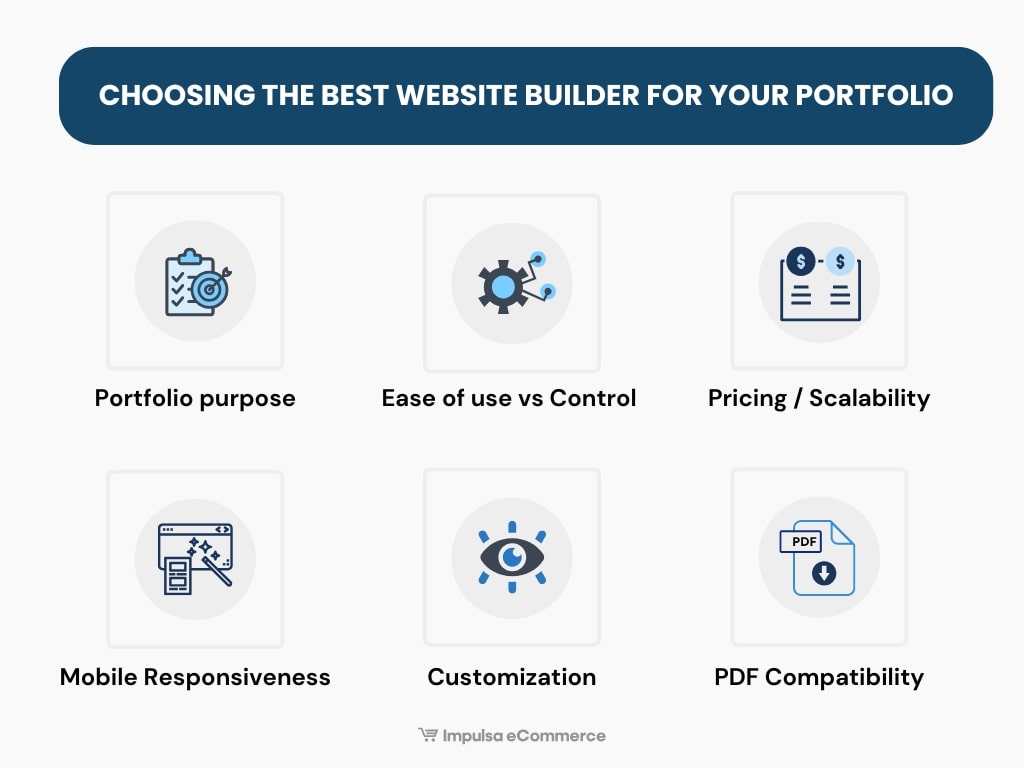
- Your portfolio’s purpose: Do you want your portfolio to function as a visual resume, online gallery, blog, or project showcase? Defining your goal will help you determine which features you need (galleries, blog, contact forms, store, etc.).
- Ease of use vs. control: platforms like Wix and Squarespace let you get started quickly with AI assistants and drag-and-drop interfaces. Others, like WordPress, give you more control but require more technical knowledge and a steeper learning curve.
- Pricing and scalability: Review the pricing plans for each website builder, including the cost of a custom domain and any additional fees for premium features, to ensure it fits your budget as your portfolio grows.
- Mobile Responsiveness: Ensure the portfolio looks great on desktop and mobile devices, and supports large-image optimization to improve search engine rankings.
- Customization: Choose a platform that lets you reflect your style (colors, typography, and layout) to match your brand values and allows you to add image galleries.
- PDF support: you can upload and export documents in PDF format.
FAQs
Still have questions about creating a digital portfolio? Check out our selection of the most frequently asked questions.
What is a digital portfolio?
A digital portfolio is a personal website that showcases work, projects, and skills in a visual and organized manner. It functions as an interactive digital resume, allowing creative professionals, designers, photographers, and developers to showcase their experience to potential clients and employers in a professional, accessible way, 24/7.
What should a portfolio website include?
A portfolio website typically includes everything a potential client needs to know about you in one place:
- Your personal brand statement.
- A list of your skills and professional experience.
- A short bio with contact details.
- A list of services that you offer.
- A gallery or portfolio section showcasing your best work.
- Links to your social media profiles.
How to create digital portfolios?
To create a web portfolio, first choose a platform like Wix to host your website. Then you can use pre-built portfolio templates to design your site’s prototype, upload your work, and create pages such as a contact page and a service page. Finally, it is important to reduce image sizes and add relevant keywords to improve your search engine rankings.
What is Behance?
Behance is a professional social network owned by Adobe where designers, artists, and creatives can build digital portfolios, connect with potential clients, and gain visibility within the global creative community.
What is Wix?
Wix is a website builder for portfolio sites with drag-and-drop tools, customizable web templates, web hosting, SEO tools, and e-commerce features. It is ideal for freelancers, small businesses, and creatives looking to quickly and affordably create professional portfolios or corporate websites.
Where to make a digital portfolio?
You can create your digital portfolio on platforms like Behance (free account available), Wix or Squarespace (with professional templates), WordPress (more customizable), Adobe Portfolio (included with Creative Cloud), or Clippings.me and Journo Portfolio (specialized for journalism and writers).
Conclusion: Best Website Builders for Portfolios
That wraps up our guide on the best website builders for portfolios.
The decision to choose one platform over another will depend on your budget, your portfolio goals, and your technical knowledge of graphic design. You can even combine multiple platforms simultaneously to reach more users and attract more clients.
If you’re still unsure which option is right for you, here are our three main recommendations.
- Choose Wix if you want the best all-in-one option with third-party apps and templates.
- If simplicity is important to you, opt for Squarespace. It’s easy to use and includes visually appealing templates for portfolio sites.
- For AI capabilities, you may check Emergent, a powerful AI website builder that generates galleries, layouts, and contact forms based on prompts.
- If you want to try without committing and see if you would like to build a portfolio without spending money, choose Behance.
We hope this guide on the best website builders for portfolios has helped clarify your questions. Wishing you the best of luck with your project!
Notice: Impulsa eCommerce is supported by our readers. If you purchase through a link on our site, we may earn a commission at no cost to you. Learn more.


