
The 8 Best Cloud Storage Providers in 2025

Nowadays, more online entrepreneurs, SaaS startups, and e-commerce businesses have part of their team working remotely, which makes it essential to have a cloud storage service to share files in a synchronized and secure way.
Whether it’s product sheets, product photos, brand guides, or supplier price lists, you can store everything in one of the following cloud storage services.
The 8 Best Cloud Storage Providers in 2025
The Best 8 Cloud Storage and File-Sharing Services for 2025.
- Internxt – Best cloud storage with encryption.
- pCloud – Best for backup and media playback.
- Icedrive – The most straightforward interface with fast file uploads.
- MEGA – Best free cloud storage provider.
- Dropbox – The best cloud storage solution for businesses.
- Microsoft OneDrive – Best for home use and Microsoft users.
- Google Drive – The best free cloud storage service.
- iCloud – The cloud storage service for Apple users.
Below, you can take an in-depth look at each of the cloud storage services in our guide.



1. Internxt Drive
The safest cloud storage service

Internxt ensures your cloud files and photos are secure and protected, eliminating privacy concerns. With post-quantum encryption, military-grade security, and file fragmentation, you retain complete control over your data.
What we like most is its flexibility and ease of use. The interface is very intuitive and clean, which helps improve your productivity when organizing and storing files.
With your subscription, you will have access to Internxt Drive (which allows you to synchronize your files securely), Internxt Antivirus (a scanner for malicious files), Internxt VPN (for secure internet browsing), and Internxt Send (for sending large files).
Internxt Features
- Designed for privacy without storing passwords or data.
- One of the best
- Open source and audited on GitHub.
- GDPR Compliance with servers hosted in the EU.
- Internxt S3-compatible cloud object storage.
- Post-quantum and zero-knowledge encryption.
- Enjoy a free and secure VPN to encrypt your internet traffic.
- Backups of your work and essential projects.
- Multiplatform application (Windows, macOS, Linux, and mobile devices).
Internxt pricing
Internxt’s plans are divided by storage capacity (1 TB, 3 TB, 5 TB) and by billing cycle (annual or lifetime).
|
Storage |
Annual |
Lifetime plans |
|---|---|---|
|
1 TB |
119,88€ |
900€ |
|
3 TB |
239,88€ |
1900€ |
|
5 TB |
359,88€ |
2900€ |
In addition, you can create a free account and get 1 GB of storage at no cost. The flexible pricing and storage options allow both individuals and businesses to meet their needs.
👉 You can check out our detailed Internxt review to determine if it’s a good option.

Enjoy an exclusive 85% discount when you subscribe to an Internxt plan with an annual or lifetime payment (1 TB, 3 TB, 5 TB).
2. pCloud
The best cloud storage for personal use
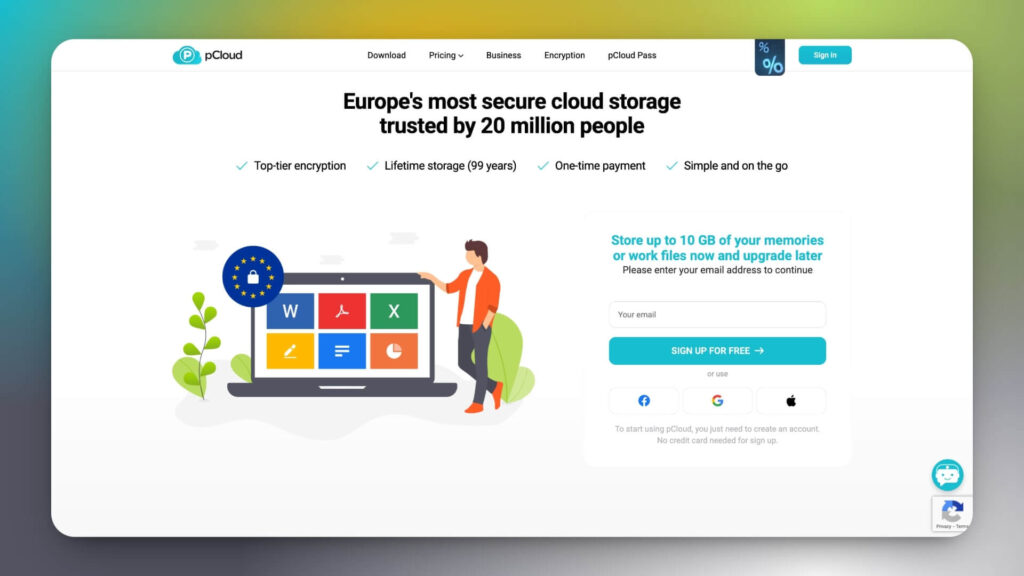
pCloud is a cloud storage service that offers features better than Dropbox or Google Drive, providing 10 GB of free storage with 256-bit AES encryption. pCloud’s servers are located in Europe and the United States, enabling high-speed file synchronization based on your location.
In our pCloud review, we highlight its multimedia player for creating playlists with your favorite music and support for uploading videos up to 5 TB.
Additionally, you can share multimedia content via links with an expiration date and a password, view download statistics and bandwidth usage, and add a header image and a description of your brand for a more professional appearance.
pCloud features
pCloud offers the features you can expect from a reliable cloud storage solution, such as:
- Encryption AES-256 and TLS/SSL certificates to protect your data.
- Lifetime storage plans (99 years).
- Backups for multiple devices (Windows, macOS, Android, and iOS).
- Backup your photos from Facebook, OneDrive, or Dropbox.
- pCloud Photos and Photo Editor in pCloud Web and pCloud Drive.
- Automatic import of files from mobile devices.
- Media player for music and videos.
- 24/7 customer support (English only).
pCloud pricing
pCloud offers up to 10 GB of free storage just for signing up, with paid plans starting at 500 GB for $49.99 per user per year.

Get up to 33% off when signing up for an annual plan or lifetime cloud storage with pCloud (1 TB, 2 TB, or 10 TB).
3. Icedrive
Cloud storage with a user-friendly interface

Icedrive stands out for offering an elegant, easy-to-use interface where you can add your avatar, set up two-factor authentication (2FA), and even download a data history from your account.
With a focus on privacy, it offers zero-knowledge encryption using the Twofish algorithm in its paid plans, ensuring only you can access your files.
Additionally, it includes synchronization and collaboration tools, a virtual drive to free up desktop space, and mobile apps for Android and iOS.
👉 For more information, refer to our Icedrive review.
Icedrive features
- Client-side encryption on payment plans.
- Two-factor authentication (2FA).
- Avatar with your profile picture.
- Intuitive and modern UI.
- Virtual drive and portable desktop application.
- Fast file uploads.
- Affordable lifetime plans.
- 10 GB free with your free plan.
Icedrive pricing
Icedrive offers flexible plans ranging from 100 GB on its monthly and annual plans to 10 TB on its Lifetime plans, with zero-knowledge encryption.
Their free plan includes 10 GB of storage and 50 GB of bandwidth, ideal for trying out the service.
4. MEGA
Excellent security protocols and competitive prices
Over the years, MEGA has established itself as one of the best cloud storage services, with a clear focus on privacy and security.
Among its features, we find solutions designed for individuals, freelancers, and businesses, with cloud storage and customizable transfer limits.
Additionally, it promotes collaboration and remote work with Chat and Meetings features, which allow you to chat and make encrypted calls with your colleagues, meaning MEGA cannot read your messages or listen to your calls.
In addition to accessing MEGA through a web browser, you can also use the MegaSync application for Windows, macOS, or Linux.
MEGA features
- Version history of old copies and deleted files.
- Share and receive files from your customers securely through the file request application.
- Unrestricted chat and meetings, even without an account with MEGA.
- Share Links protection by password and date of expiration.
- MEGA VPN plans with servers all over the world.
- Automatic Backup.
- Application mobile iOS and Android.
MEGA Pricing
MEGA offers 20 GB of free storage, the largest amount available on this list.
Regarding the plans, MEGA categorizes them into personal plans and group plans (for three or more users). Below, we break down the individual plans.
- Pro I: 3 TB of storage.
- Pro II: 10 TB of storage.
- Pro III: 20 TB of storage.
MEGA has plans for businesses, with a minimum of 3 users and 3 TB of storage.
You can calculate the space and bandwidth you’ll need on MEGA’s pricing page. Their subscriptions are billed in euros. With MEGA for Business, there is no limit to the amount of storage or transfer you can use.
👉 You can see more options in our guide to the best alternatives to MEGA.
5. Dropbox
Cloud storage solutions for businesses
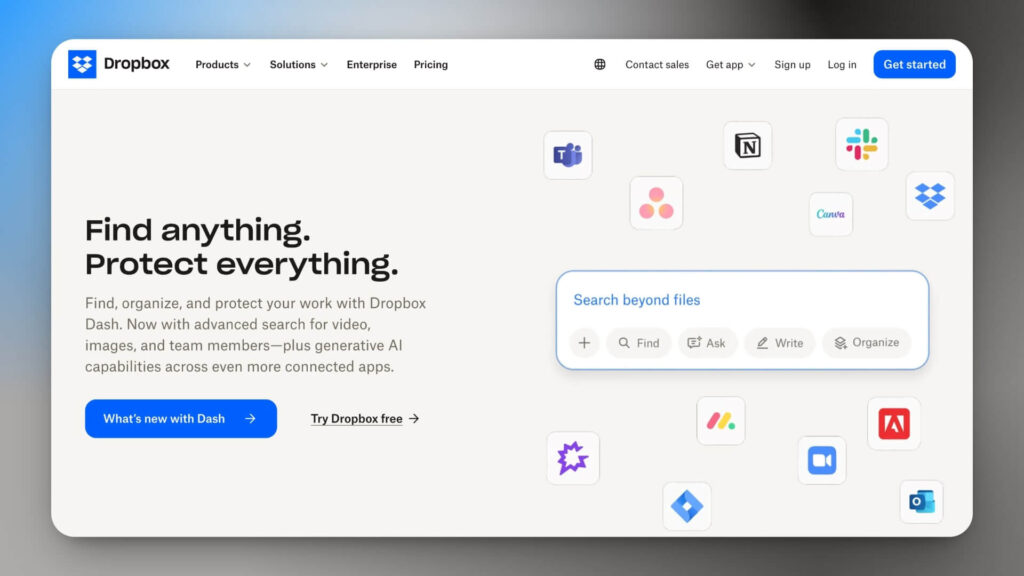
Dropbox is one of the most popular cloud storage services on the market. Even if you’re new to cloud file storage, you’ve probably heard of Dropbox and used it at some point.
With Dropbox, you can create documents, presentations, and spreadsheets, as well as store all kinds of files in the cloud. Its integrations with the most popular file editing tools, such as Google Suite and Microsoft Office, allow you to synchronize and update files instantly.
Tools and solutions that you can connect to your Dropbox account from:
- Slack.
- Zoom.
- Google Suite (Google Docs, Google Sheets, Google Slides).
- Salesforce.
- Microsoft.
- Adobe.
- HelloSign.
Dropbox also offers a powerful tool called Dropbox Paper, which enables real-time collaboration with your team directly on the platform. For example, you can use it to organize meetings, presentations, tables, or events in your calendar.
What we love most is their English-speaking community and support—a feature often missing from other cloud storage services. Plus, they offer a help center in English.
Dropbox pricing
2 GB free. Paid plans start at $9.99 per month with Dropbox Plus, which offers 2 TB of data storage and features such as file synchronization, camera uploads, a 30-day account rewind, and Dropbox Transfer.
👉 Check out our guide on the best Dropbox alternatives.
6. Google Drive
Best Free Cloud Storage Solution
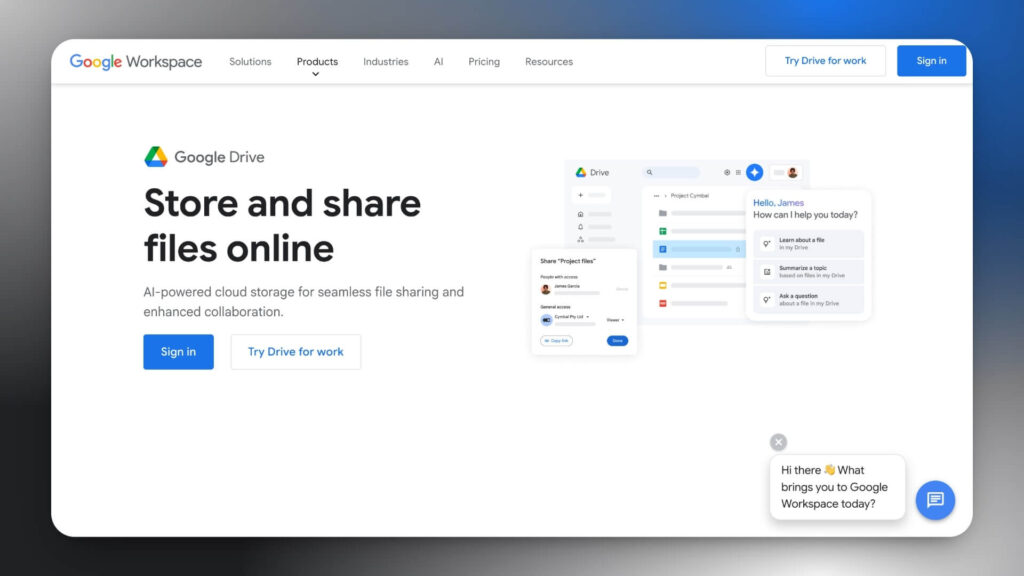
Google Drive offers an excellent free cloud storage option. Specifically, you get 15 GB of storage and integration with file management-related products and services.
- Slack.
- Adobe.
- Salesforce.
- DocuSign.
- Google Workspace.
Google Drive simplifies sharing and syncing files, and you can even restrict access by blocking anyone you don’t want to share with.
Google Drive pricing
Google Drive includes 15 GB of free storage, the most offered on our list of cloud storage services. In addition to the free plan, Google provides a suite of products for teams, Google Workspace.
Google’s 2TB plan is priced at $9.99 per month, ideal for both personal and professional use.
👉 Don’t forget to check out the best alternatives to Google Drive.
7. Apple iCloud
The most intuitive solution for Apple users
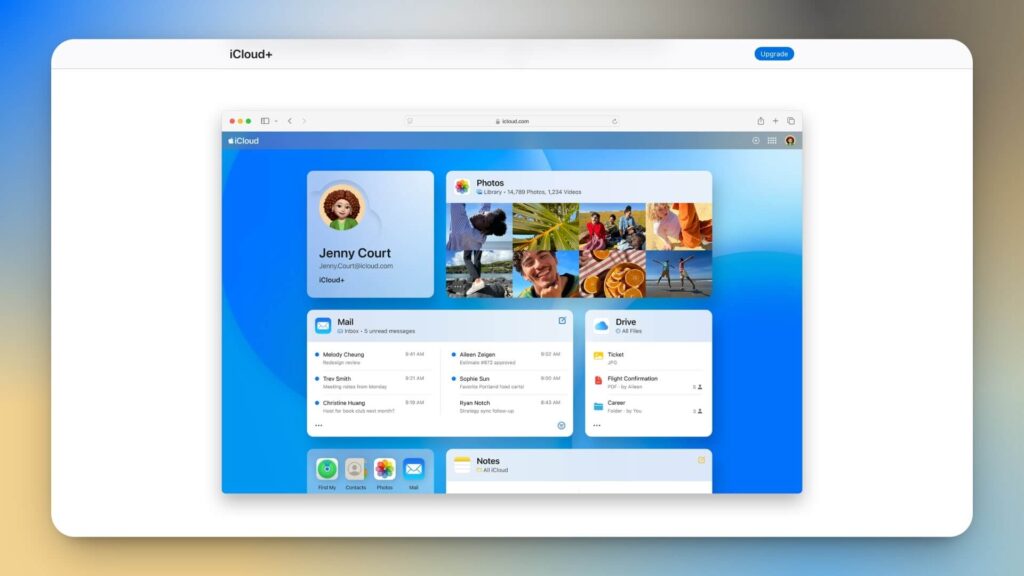
iCloud offers features and plans similar to OneDrive, but it is focused on Apple devices.
If you’re one of the millions of users who use Apple products, you’re probably already using iCloud. All documents, folders, notes, and photos created on iPhone, iPad, iMac, MacBook, and other Apple devices are stored in one place. With iCloud, you get 5 GB of free storage by default.
The highlight of iCloud is its ease of use across different Apple devices. Synchronization is automatic, and it’s simple to share it with our contact list.
iCloud pricing
The prices are affordable if you want to go beyond the free 5 GB storage, which you’ll likely need if you have a business.
Starting with Apple iCloud will cost only $0.99/month, allowing you to store up to 50 GB on your account, more than enough to back up thousands of photos, videos, and files from your iPhone.
👉 Check out our guide to the best iCloud alternatives.
8. Microsoft OneDrive
Best cloud storage provider for Microsoft Office users

Microsoft OneDrive offers a very intuitive cloud storage solution that is already included in most Windows products. As such, it is a perfect solution for any PC user, and simply signing up will give you 5GB of free storage.
Onedrive features
- Automated backup copies.
- Offline access to your files from anywhere with a mobile device or computer.
- Share files.
- Scanning of documents with the mobile device.
- Personal Vault for greater protection and privacy.
OneDrive offers a suite of products and services for businesses, including enhanced team collaboration features (expiration-based access, link creation, etc.). A notable aspect is the collaborative editing of Microsoft Word. Just like Google Docs, you and your team can access a Word document and edit it simultaneously.
OneDrive is a much better solution for PC families seeking a reliable way to share personal files, such as photos and documents, with one another.
Microsoft OneDrive pricing
Personal plans for the home start with 5 GB of free storage. However, if you’re a business, there are a wide variety of solutions and plans to suit your needs.
👉 Here is a list of the best alternatives to OneDrive.
3 services for Lifetime Cloud Storage
If you plan to use the service for several years, you may want to consider lifetime cloud storage. Here are three options with lifetime plans:
- pCloud: Lifetime cloud storage plans, with options of 500 GB, 2 TB, and 10 TB.
- Internxt: Perfect for daily personal use, with plans available in 1 TB, 3 TB, and 5 TB capacities. Additional space can be added if needed by contacting their support team.
- Icedrive: offers plans ranging from 512 GB to 10 TB. You can also add extra space with their ‘Stacks’ options, available in 128GB, 512GB, and 2 TB storage.
If you want to save with lifetime plans, you may check our cloud storage deals guide for discounts up to 90% during campaigns like Black Friday. Do not miss!
How to choose the best cloud storage service?
The cloud storage provider you choose will depend on your needs and preferences. When using cloud storage for personal use, small businesses, or B2B companies, it’s essential to compare different cloud storage services and try them out before deciding to subscribe to any plan.

Below, you can find six features that every cloud storage solution should have, which we used for this comparison.
- Data encryption and security.
- OS and apps compatibility.
- Store needed to store your files.
- Privacy of data and compliance with data protection regulations (GDPR, CCPA).
- Scalability of storage in the cloud.
- Channels for technical support are available.
Additionally, cloud software must be scalable. At the same time, free storage works for startups, growing SaaS businesses, service companies, and eCommerce stores, which will need paid plans to accommodate expanding data requirements (from customer files and product images to application data and marketing materials).
We hope this information helps you compare the best cloud storage services.
Final verdict: Which Cloud Storage is the best?
Each cloud storage provider excels in different areas, but some clearly stand out from the rest. Here’s our verdict on the best options in 2025.
- Best Overall Cloud Storage: Internxt. Thanks to its cutting-edge security (post-quantum encryption, zero-knowledge policies, and open-source audits), bundled tools (Drive, VPN, Antivirus, and Send), and competitive lifetime pricing. It’s the best choice if privacy and data protection are your top priorities.
- Best Cloud Storage for Personal Use & Media: pCloud. For individuals or families who need reliable storage with built-in media playback and lifetime storage options. I used it every day to back up my work.
- Best for Businesses & Collaboration: Dropbox. Unmatched when it comes to team collaboration, integrations, and productivity tools, making it the go-to for companies.
- Best Free Storage: MEGA. With 20 GB of free storage, it’s the most generous option for those who want storage without incurring any costs (and you can get even more space!).
Frequently Asked Questions
To help you make an informed decision, we have compiled some of the most frequently asked questions about purchasing cloud storage.
What is cloud storage?
Cloud storage is a service that enables you to store files and data on remote servers managed by a cloud storage system, rather than on your local device.
It allows you to access your files from any device at any time, while keeping them secure and backed up.
What is the best free cloud storage service?
MEGA is the best free cloud storage, offering 20 GB of storage space for free with just the creation of an account. Plus, you get an extra 5 GB if you install the MEGA desktop or mobile app or invite your friends.
What’s the best cloud storage for businesses?
Dropbox Business is one of the top options for businesses seeking cloud storage. Other options include Google Cloud, Internxt Business, pCloud Business, or AWS.
What’s the best cloud storage for personal use?
If you’re looking for a cloud storage service for personal use, consider pCloud, a well-established option that’s perfect for sharing and playing any multimedia file.
Can cloud storage be hacked?
Although no technology is 100% secure, cloud storage services are considered very safe. They utilize encryption protocols and security measures to safeguard your data from unauthorized activities, enabling you to recover or restore files in the event of theft or ransomware attacks.
Note: its readers support Impulsa eCommerce. If you purchase through a link on our site, we may earn a commission at no cost to you.


