
The 6 Best Alternatives to OneDrive – Deals 2026

Are you looking for alternatives to OneDrive for securely storing your files?
Microsoft OneDrive is one of the best cloud storage services thanks to its native integration with Windows. Although OneDrive offers security measures, it is not the best option for protecting and managing your data.
With this in mind, we’ve compiled an overview of the six best OneDrive alternatives, considering factors such as free storage, lifetime cloud storage deals, productivity and collaboration tools, and control and privacy over your cloud files.
🥇 The 6 Best Alternatives to OneDrive
- Internxt – Best choice for privacy and security.
- pCloud – Best for cloud storage in Europe.
- Icedrive – Best alternative with Twofish encryption.
- MEGA – Best free cloud storage service.
- Dropbox – Best alternative for collaboration and productivity.
- Google Drive – the best alternative to Google Workspace Tools.
1. Internxt
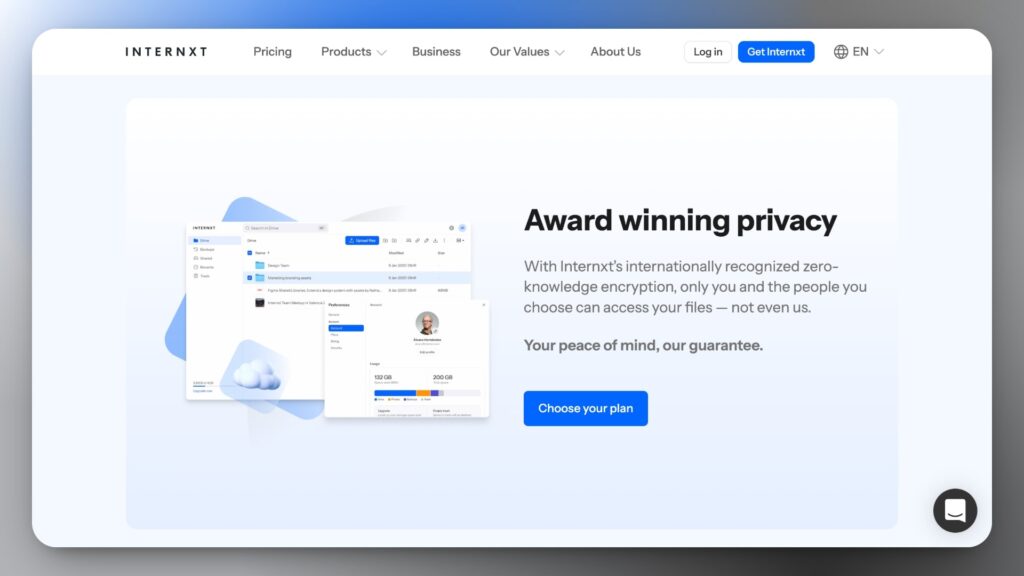
Internxt is one of the most promising companies in the cloud storage industry and our top pick alternative to OneDrive, Google Drive, or Dropbox if you’re looking for a solution focused on your data’s privacy and security.
Offers end-to-end encryption and a zero-knowledge architecture by default, meaning only you can access your files. Therefore, it is one of the most secure cloud storage services for personal use, as it includes post-quantum encryption.
The products offered by Internxt are: Internxt Drive (to store and manage your files), Internxt Send (to securely send files), and Internxt VPN (a VPN for browsing the Internet while hiding your IP address and location).
Recently, Internxt launched business plans with features such as sharing encrypted files and folders, creating and managing users and teams (3-10 users), centralized billing and payments, and priority customer support.
👉 You can visit our Internxt review for more information.
Internxt Features
- 1 GB of free storage space.
- Lifetime storage plans with discounts up to 85%.
- Free online productivity and security tools.
- Focused on user privacy and zero-knowledge encryption.
- Anyone can review and audit your code (Open Source).
- Allows you to back up the most important folders on your computer.
- Mobile app for iOS and Android.
Internxt pricing
Internxt pricing is very straightforward, with flexible storage plans for individuals and businesses. You can purchase 1TB, 3TB, and 5TB on either an annual or a lifetime plan.
Keep an eye on our cloud storage deals page and Internxt discount page to save on your subscription with our exclusive deals!

Get an exclusive 85% discount when you subscribe to one of Internxt’s lifetime or annual encrypted storage plans (1 TB, 3 TB, and 5 TB).
2. pCloud
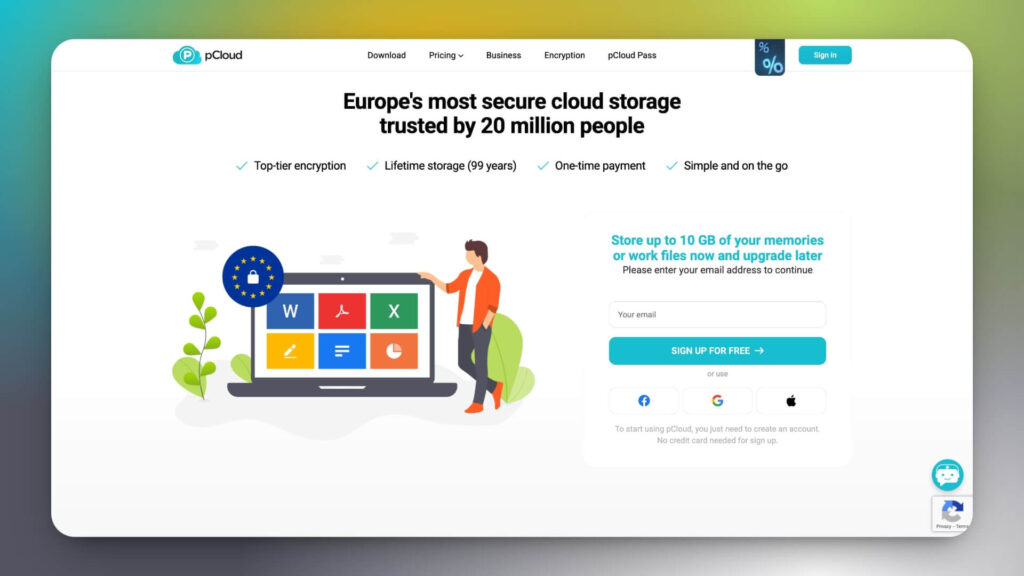
One of the most significant advantages of pCloud is its strong security features. It uses a combination of client-side and server-side encryption to keep your files safe from prying eyes, and enables secure sharing with statistics on who viewed your files.
pCloud offers more free storage than OneDrive (10 GB), and premium plans up to 10 TB with the option to purchase lifetime plans if you need to sync and back up a large number of files, including large files like videos or music.
Aside from that, the media player and photos tab make it the perfect combo for content creators and photographers who need cloud backup of their work. Plus, you can even send a branded shared link with your logo and background image to clients and teammates.
For those worried about privacy, pCloud offers add-ons to enhance security: pCloud Pass, a paid add-on for password management, and the Crypto folder, which lets you store sensitive files and photos.
pCloud features
- Get 10 GB of free storage.
- Lifetime plans with great offers.
- Crypto folder to store sensitive files and photos.
- Customize shared links with your brand or logo.
- Recovers file versions up to 30 days old.
- A multimedia player to play music, view photos, and videos from your web browser or mobile app.
pCloud Pricing
pCloud offers plans for individuals, families, and businesses, with the option to purchase 500 GB, 2 TB, or 10 TB. Remember to check our pCloud Deals page to save!
| Individual plans | Monthly | Annual | Lifetime |
|---|---|---|---|
| Premium (500 GB) | $4.99 | $49.99 | $199 |
| Premium Plus (2 TB) | $9.99 | $99.99 | $399 |
| Ultra 10 TB | $19.99 | – | $1190 |
3. Icedrive
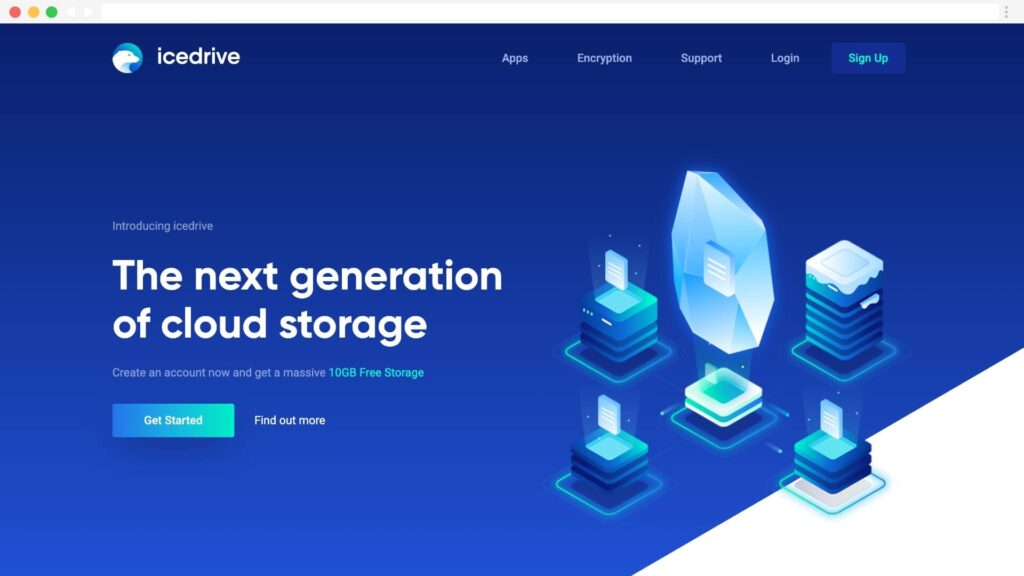
Icedrive is a cloud storage service founded in Wales (United Kingdom) in 2019, with a focus on privacy and data security.
For this, use the symmetric block encryption method Twofish, combined with an encrypted folder to store your most sensitive files.
In our Icedrive review, we highlight a pretty intuitive user interface across the web version and cross-platform applications.
Additionally, the virtual unit for the desktop version does not take up space and syncs files in real-time with the web and mobile versions.
Unlike OneDrive, which is aimed at teams using Microsoft 365, Icedrive is better suited to users seeking fast, private storage without advanced collaborative features.
Icedrive features
- Twofish zero-knowledge encryption.
- Cross-platform applications (Windows, macOS, Linux, iOS, and Android).
- Virtual mounting of units versus traditional synchronization.
- Shared links with more privacy options than OneDrive.
- Encrypted folder for sensitive data.
- One of the best options for lifetime cloud storage.
Icedrive pricing
Icedrive offers plans starting at 500 GB, making it one of the best alternatives to OneDrive for personal use and smaller needs.
We have reviewed Icedrive Lifetime, so you can see what you get. Therefore, you can save up to 40% on your first year at Icedrive subscriptions.
All of its plans include advanced encryption, a larger 10 GB free version, and file versions.
4. MEGA
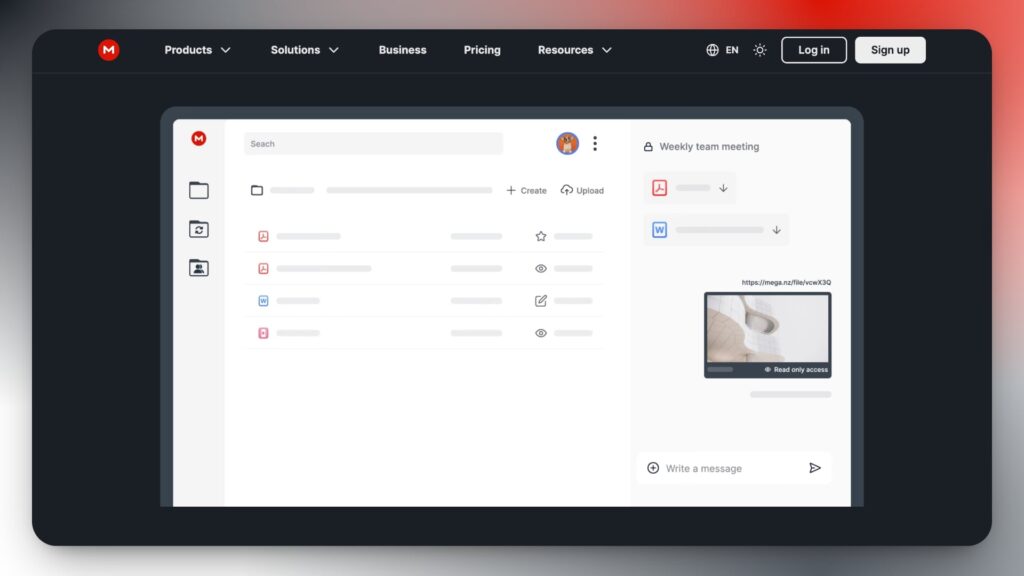
MEGA is a cloud storage service that offers features such as cloud storage, chat, video calls, synchronization, and backups.
It stands out for the amount of free storage space: an account provides 20 GB, which can be expanded by up to 15 GB by completing simple tasks such as installing their desktop and mobile apps or inviting friends.
MEGA offers flexible storage plans and the option to securely share files. Additionally, it offers a VPN for Android devices.
For users who prioritize security and are looking for alternatives to MEGA, options like Internxt or pCloud offer more compelling privacy and encryption features.
MEGA features
- 20 GB free storage + additional 15 GB.
- Video calling and encrypted meetings are included in your plans.
- MEGA VPN for Android devices is included in Pro plans.
- Compatible with Windows, Mac, Linux, Android, and iOS.
- Set up backups with the MEGA desktop application.
- Stores multimedia files of any size or type.
Pricing
MEGA is one of the services that offers the most free storage space (20 GB). Once this space is used up, you can upgrade to a higher plan, such as their Pro plans.
- Pro I (2 TB): $9.99/month.
- Pro II (8 TB): $19.99/month.
- Pro III (16 TB): $29.99/month.
5. Dropbox
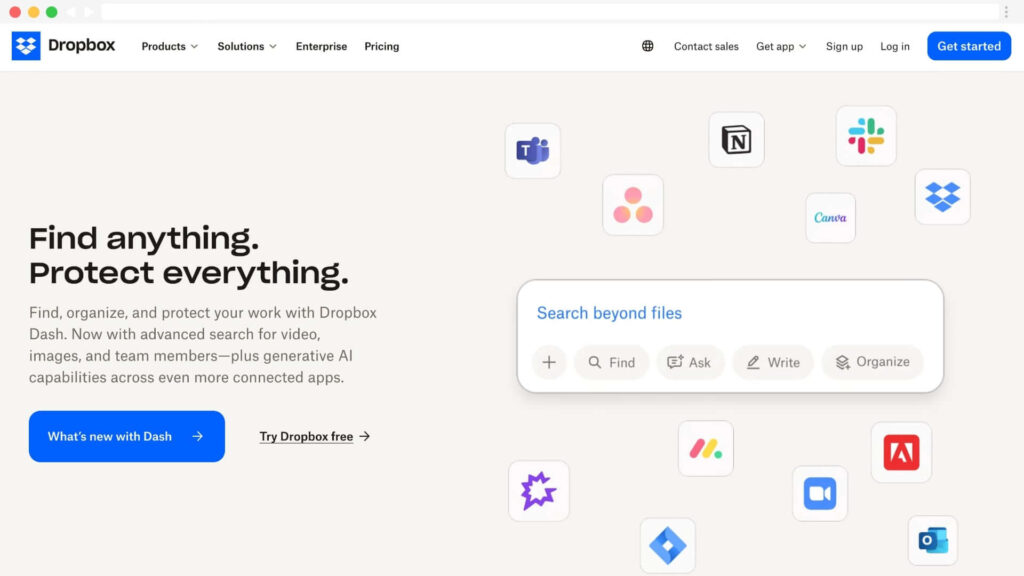
Dropbox is a cloud storage service that offers features such as file synchronization, automatic backups, real-time collaboration, and productivity tools.
You can integrate applications like Slack and Zoom, share files securely with their access permissions, add passwords, and electronically sign documents.
If you’re looking for an alternative to OneDrive with features for teams and businesses, Dropbox Business is one of the best options. As a team administrator, you’ll be able to control who accesses files and form groups, and centralize your team’s billing.
Dropbox key features
- Saves files of any type and size.
- Remote wipe against loss or theft of the device.
- Transfer large files up to 100 GB.
- Collaboration tools for teams and departments.
- Account rewind and ransomware protection.
- Edit PDFs and get signatures.
- Broad market of third-party applications and integrations.
Pricing
Dropbox has plans for individuals, families, and businesses.
| Plan | Monthly | Annual |
|---|---|---|
| Plus (2TB) | $11.99/month | $9.99/month |
| Professional | $19.99/month | $16.58/month |
| Standard | $18 user/month | $15 user/month |
| Advanded | $30 user/month | $30 user/month |
👉 Don’t forget to check out our guide to the best Dropbox alternatives in 2026.
6. Google Drive
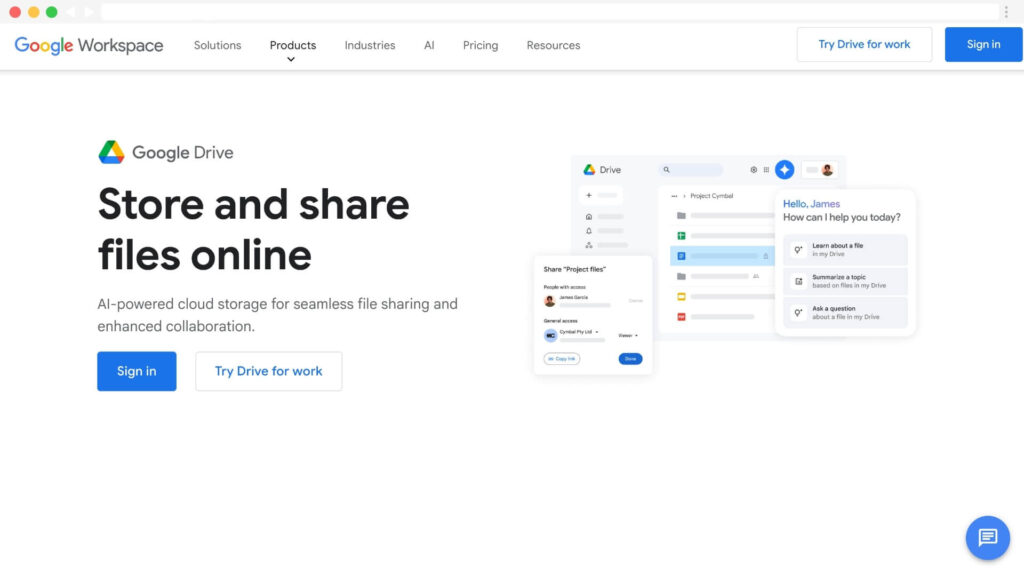
Google Drive is your best alternative to OneDrive if you use Google Workspace applications daily to store files and collaborate with your colleagues.
It also includes security features, such as two-step verification, and business management tools.
Additionally, Google Drive offers a broader range of third-party integrations than OneDrive, further increasing its appeal.
Google Drive key features
- Get 15 GB of free cloud storage.
- Version history to recover files.
- One of the best services regarding collaboration with other users.
- More integrations with third-party applications than OneDrive.
- iOS and Android integration.
Pricing
Google Drive offers 15 GB of free storage for personal use, with paid options for larger capacities starting at $11.50/month with a 1-year commitment.
👉 Here you can find the best alternatives to Google Drive.
Comparison of the best alternatives to OneDrive
Here you can see a comparison of alternatives to OneDrive and what you get.
| Provider | Free space | Price per month 2 TB | Lifetime plan |
|---|---|---|---|
| 🥇 Internxt | 1 GB | €18/year (1 TB) | Yes |
| 🥈 pCloud | 10 GB | $9.99 | Yes |
| 🥉 Icedrive | 10 GB | $5.99 | Yes |
| MEGA | 20 GB | $9.99 | No |
| Google Drive | 15 GB | $11.50 | No |
| Dropbox | 2 GB | $11.99 | No |
Conclusion
So much for our list of the best OneDrive alternatives.
- If you’re looking for a secure, private alternative to OneDrive with affordable plans and lifetime cloud storage, we recommend Internxt, pCloud, or Icedrive.
- Dropbox is an excellent choice for teams due to its admin console and real-time collaboration and editing tools.
- Finally, if you’re looking for a free cloud storage service, MEGA offers the most storage at 20 GB.
When choosing the best cloud storage, we suggest you take into account:
- Public open source code for review.
- Periodic audits on data security and privacy.
- Collaboration and productivity tools.
- Zero-knowledge encryption (included free of charge).
- End-to-end encryption.
We hope this article on the best alternatives to OneDrive has helped you choose the cloud storage that best suits your needs.
FAQs
These are some of the most frequently asked questions when looking for alternatives to OneDrive.
What is better than OneDrive?
The best alternatives to OneDrive are Internxt, pCloud, Icedrive, MEGA, Dropbox, and Google Drive.
What is the cheapest cloud service?
Which service offers the most free storage space?
MEGA is the service that offers the most free storage space, specifically 20 GB. Additionally, you can add 15 GB of extra space by downloading their desktop or mobile app or by inviting your friends.
Notice: Impulsa eCommerce is supported by readers. If you purchase through a link on our site, we may earn a commission at no cost to you. See more.


